StudyFlow
StudyFlow treats focus as data: time the session, log the interruption, and look at the pattern instead of guessing why the evening disappeared.
- Timer modes
- 3Focus, short break and long break
- Idle threshold
- 60sBefore an inactivity event is logged
- Achievements
- 6Sessions, tasks, streaks and XP
- Default operation
- LocalAppwrite sync is optional
StudyFlow is a productivity app for students. It combines the parts of studying that are usually kept in separate tools: a Pomodoro timer, a task list organised by subject, a log of interruptions, and an analytics view that shows what the week actually looked like.
The premise is that a study session produces more than a completed timer. It produces evidence. StudyFlow keeps that evidence close enough to change the next decision — which subject needs the next block, which hour keeps getting lost, and whether the plan survives contact with a real evening.
Overview
The app is built around four surfaces:
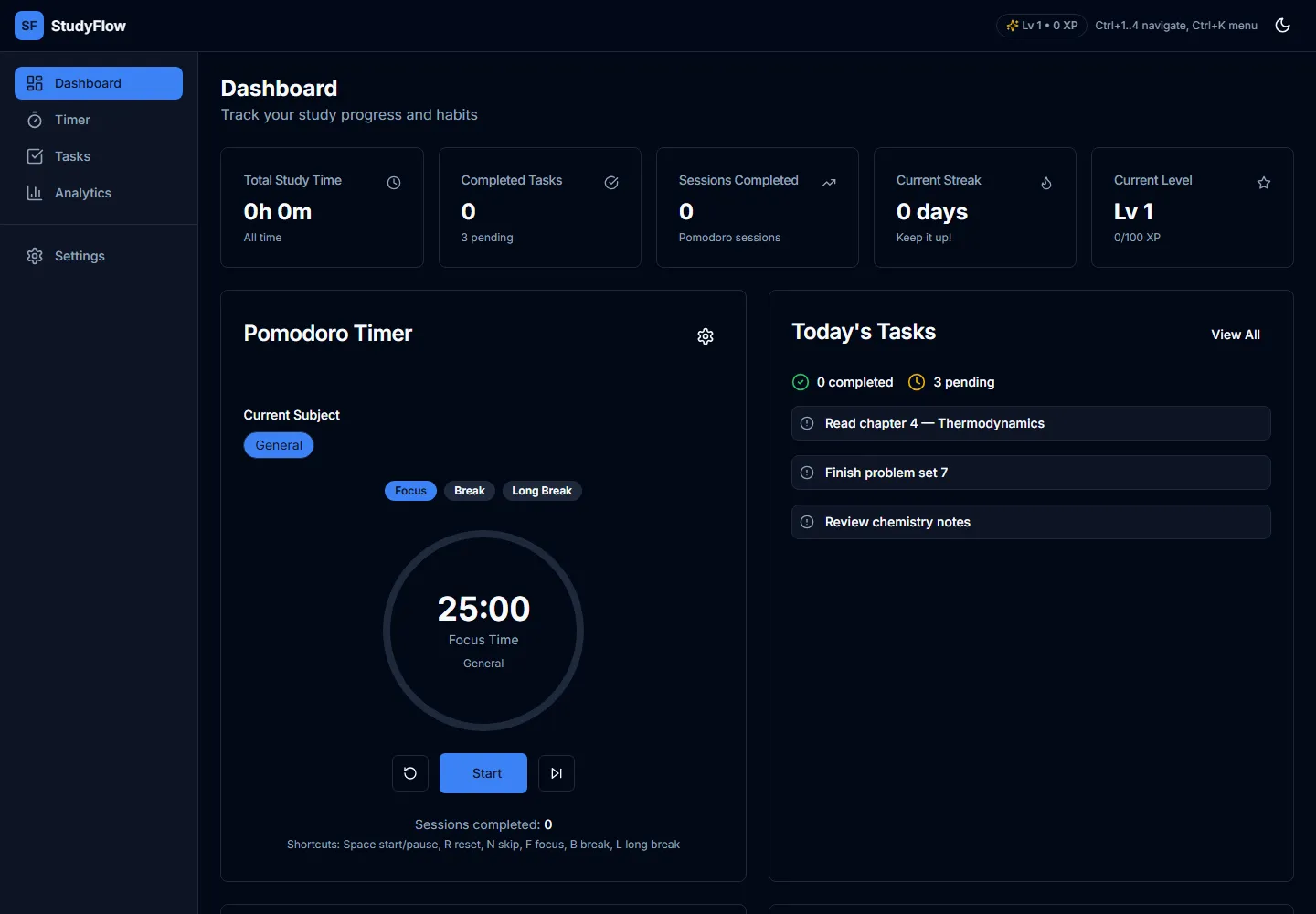
- Dashboard for the current state of the day: timer, statistics and the task list.
- Timer for a single focus/break cycle.
- Tasks for subjects, priorities, due dates and archive.
- Analytics for study hours, distractions, streaks and achievements.
A session is the unit that connects them. Completing one adds study time, XP and progress toward a streak. Completing a task adds XP and updates the completion rate. A distraction event sits beside the session it interrupted.
The focus loop
The timer follows the familiar Pomodoro shape: a focus interval, a short break, and a longer break after a configurable number of sessions. Durations are adjustable rather than fixed, so the app can fit a 25-minute revision block or a longer piece of coursework.
When an interval completes, StudyFlow plays a short tone generated with the Web Audio API and, if notifications are permitted, sends a browser notification. The next mode is prepared rather than started automatically. That is deliberate: a break should be a decision, not something the interface rushes into.
The timer state is persisted, so a refresh does not silently reset a session. The interface shows the remaining time and the current mode in text, not only through the progress ring.
Tasks, subjects and the shape of a week
Tasks carry a subject, a priority and an optional due date. They can be completed, archived, restored and reordered by drag-and-drop. Subjects have their own colours, which carry through to the analytics breakdown.
The task list is not a second project manager. It exists to answer a narrower question: what should the next focus block be attached to? A task without a subject still works, but the subject is what makes the weekly chart legible.
Measuring attention
Distraction logging is the part of StudyFlow that goes beyond a timer. During a focus session the app watches two browser-level signals:
- Visibility changes. Switching away from the tab records a tab-switch event.
- Inactivity. Sixty seconds without a mouse, key, touch or scroll event records an idle event.
Those events are counted and shown beside sessions, not used to punish the user. The analytics view turns them into a picture of when focus broke down. A notification event type also exists in the data model, but the automatic tracker only observes the browser; it cannot see a phone, a conversation or a second monitor. The honest scope is “what the tab can observe”, and the interface should not pretend otherwise.
Motivation without noise
StudyFlow includes XP, levels, streaks and six achievements. XP is awarded for finished focus sessions and completed tasks. Achievements cover the first session, ten sessions, fifty sessions, twenty-five completed tasks, a seven-day streak and five hundred XP.
The gamification is intentionally small. There are no leaderboards, no currencies and no social comparison. The point is to make consistency visible to the person doing the work, not to turn studying into a competition with strangers.
Analytics and export
The analytics view combines study hours, a subject breakdown, a daily activity heatmap, distraction counts, a streak card and an achievements panel. Charts are built with Recharts. The range can be limited, and the current report can be exported as a PDF with the study total, session count, task completion rate and productivity score.
The export is generated in the browser with jsPDF. It is a report of the data already on the device, not a server-side account statement.
Local first, sync optional
StudyFlow keeps its state locally through Zustand’s persistence middleware. It runs without an Appwrite project: if the environment variables are absent, the auth guard lets the local workspace through instead of blocking the app behind a service that is not configured.
When Appwrite is configured, the app supports account auth and sync across four collections: subjects, tasks, sessions and distractions, plus a storage bucket for exports. The current sync strategy replaces a user’s collections wholesale for deterministic results. The repository notes that this should become an incremental diff/upsert strategy if the data grows.
That split is useful. The app is demonstrable and useful offline, and the hosted account layer is an option rather than a requirement.
Screens
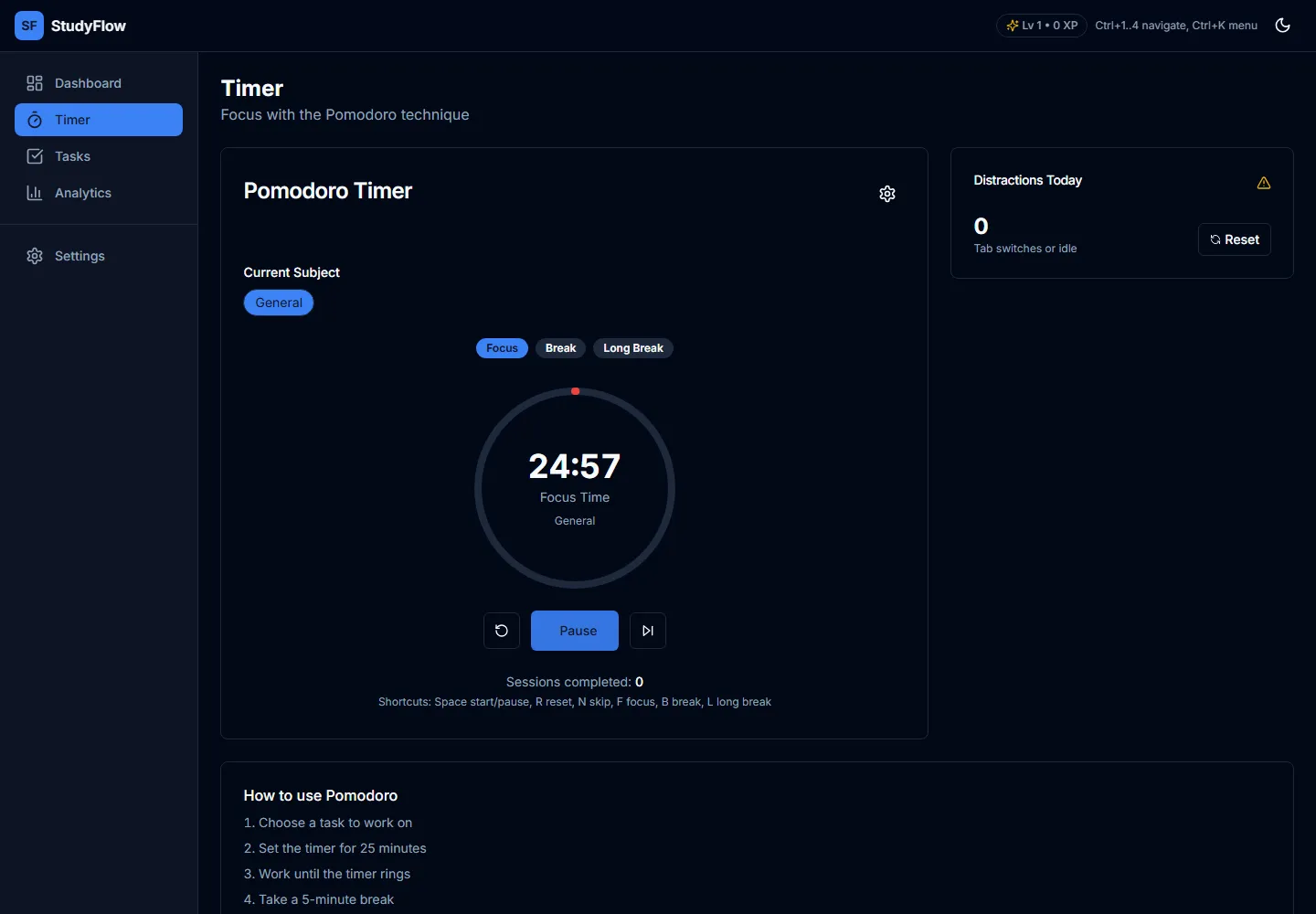
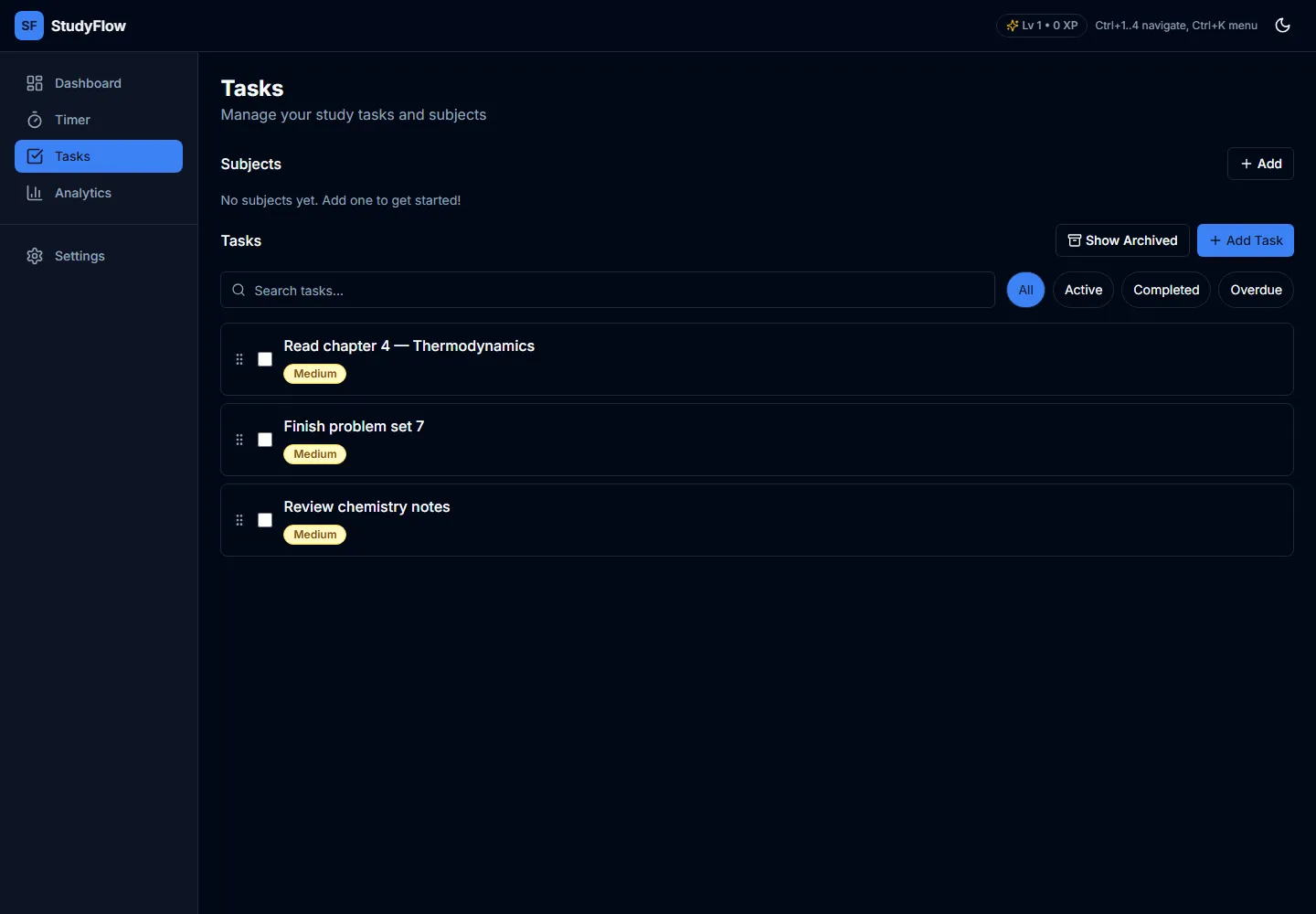
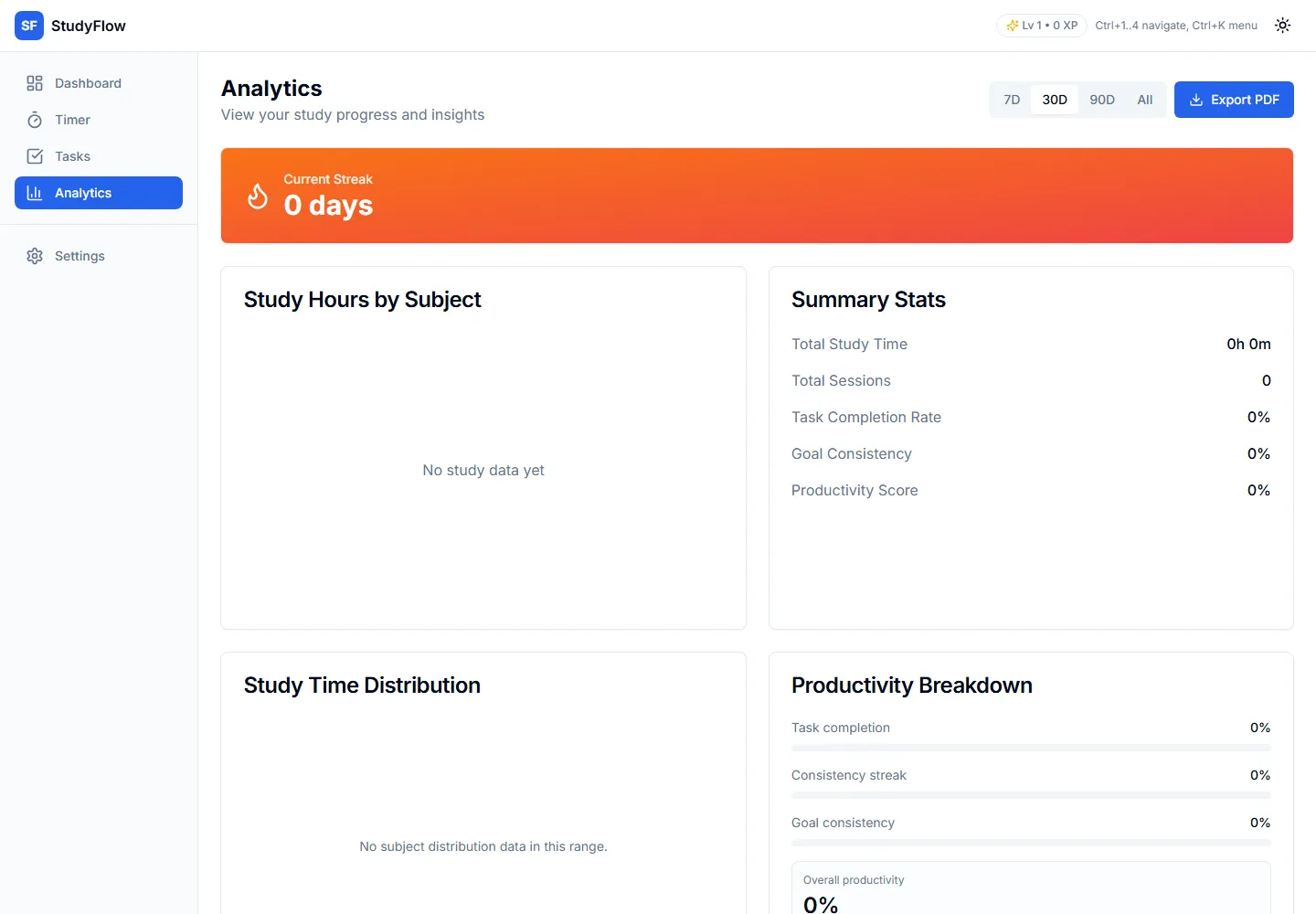
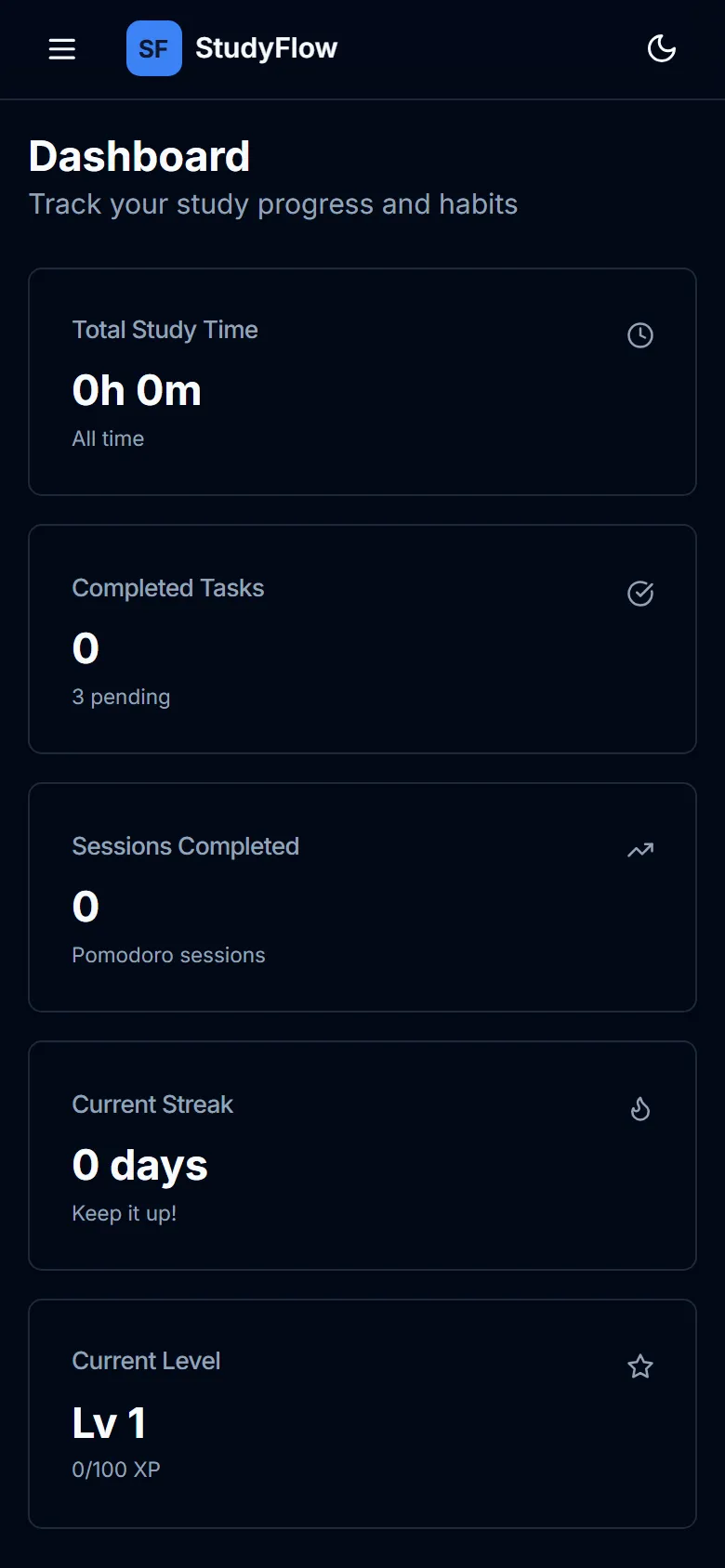
Screenshots from a local production build in the dark theme. The task and session data shown was entered through the interface for the capture; no account data is displayed.
Architecture
React + TypeScript (Vite)
   ├── Zustand stores → timer, tasks, sessions, distractions, progress
   ├── Zustand persist → local browser storage
   ├── Appwrite SDK → optional auth, sync and export storage
└── Recharts + jsPDF → analytics and reports- React 18 and TypeScript carry the interface, with Vite for development and builds.
- Zustand holds the five stores that make up the app state, persisted locally.
- Radix UI and Tailwind CSS provide accessible primitives and the visual system.
- Recharts and Framer Motion handle charts and interface motion.
- Appwrite is optional infrastructure for accounts, sync and stored exports.
What works today
- Focus, short-break and long-break intervals with adjustable durations.
- Task management with subjects, priorities, due dates, archive and drag ordering.
- Automatic tab-switch and idle distraction logging during focus sessions.
- A dashboard, analytics charts, streaks, XP and six achievements.
- A browser-generated PDF progress report.
- Keyboard shortcuts and a help panel.
- Local operation without Appwrite, and optional account sync when configured.
- A dark theme, which is the theme used for the screenshots above.
The source is on GitHub.
Limitations and next
- There is no hosted demo. StudyFlow runs from a local build. The repository requires environment variables for the Appwrite path, and no public deployment is claimed here.
- Distraction tracking is browser-scoped. It cannot detect a phone, another device or a conversation. It is a signal, not a surveillance system.
- Sync is whole-collection replacement. It is deterministic and simple, but not the right long-term strategy for larger data sets.
- The PDF is a summary, not an archive. It exports headline totals rather than every session record.
- The app is a personal tool, not a validated intervention. It has not been studied for learning outcomes, and the productivity score is a heuristic.
The next work is to make sync incremental, add a proper data export/import path, and test the distraction model against a real week rather than a sample workspace.
Reflection
StudyFlow was an exercise in finishing a complete loop: timer, task, record, review. The most interesting design decision was not the timer. It was deciding what counts as evidence of focus and being explicit about the limits of that evidence.
A study app can easily become a dashboard that rewards the dashboard. The version I want is quieter: it records enough to help, shows its scope honestly, and leaves the actual studying alone.